The Surf Hat, Baseball Caps and Sports Headset all come with our boom microphone (SKU: S07). Follow the instructions below on how to maintain.
When not using your equipment, store in a climate controlled environment.
How to Maintain the Boom Microphone
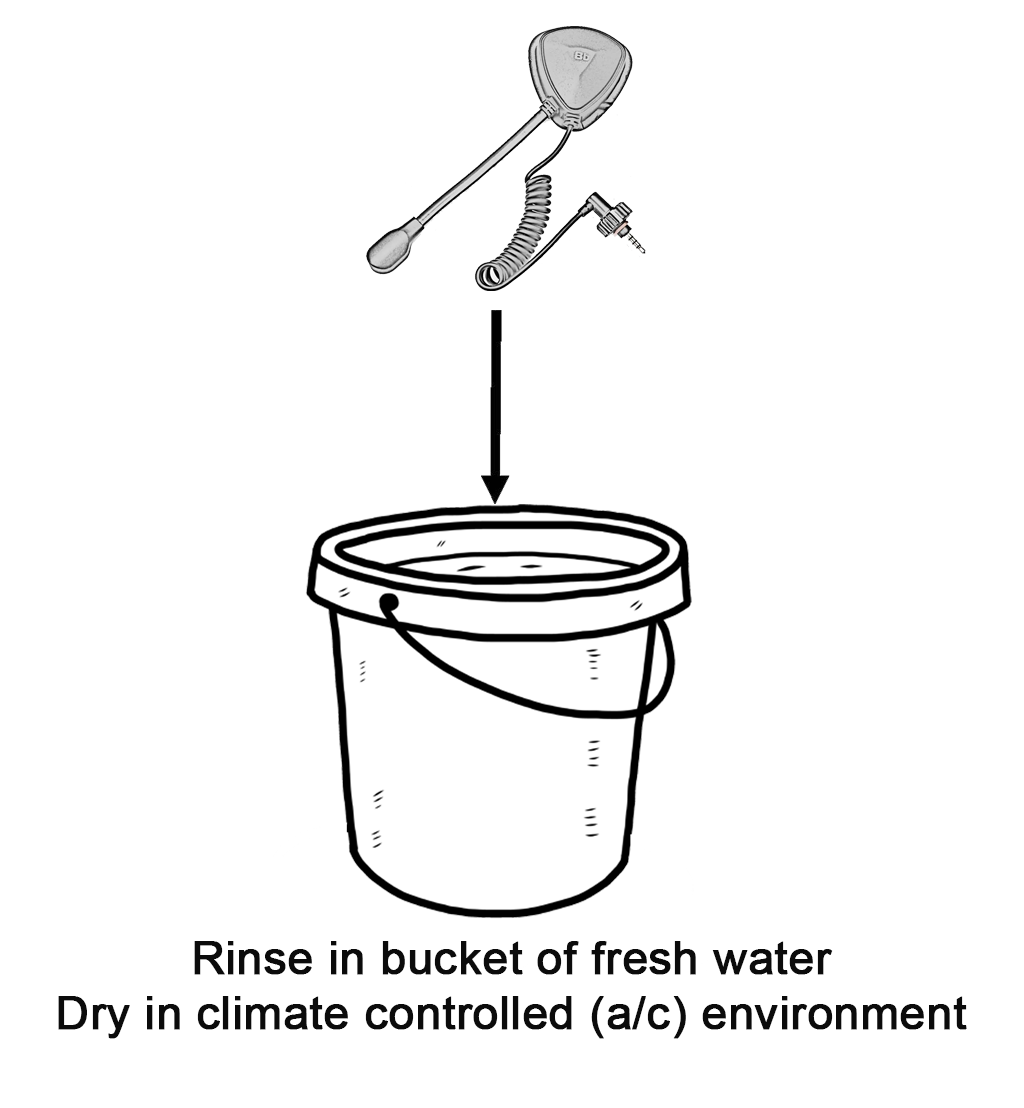
- Rinse After Each Use
Rinse the entire headset thoroughly with fresh water, including the microphone and speaker. - Avoid High Pressure
Do not use a high-pressure spray or hose directly on the headset. - Thorough Cleaning
For a more thorough rinse, submerge the headset in a bucket of fresh water. - Dry Properly
Dry in a well-ventilated, climate-controlled (A/C) environment. - Maintain the 3.5 mm Jack
Over time, the male 3.5 mm audio jack may become dull or show signs of corrosion. Gently clean the jack with a soft cloth or Scotch-Brite pad. Do not use cleaning solutions or chemicals.
When possible, keep the headset plugged into the BBTalkin unit to help minimize corrosion buildup.
- Saltwater Care
For headsets used regularly in saltwater, occasionally apply a light film of Nyogel 760G Dielectric Synthetic Grease to the 3.5 mm audio jack to help protect against corrosion. Do not overapply.
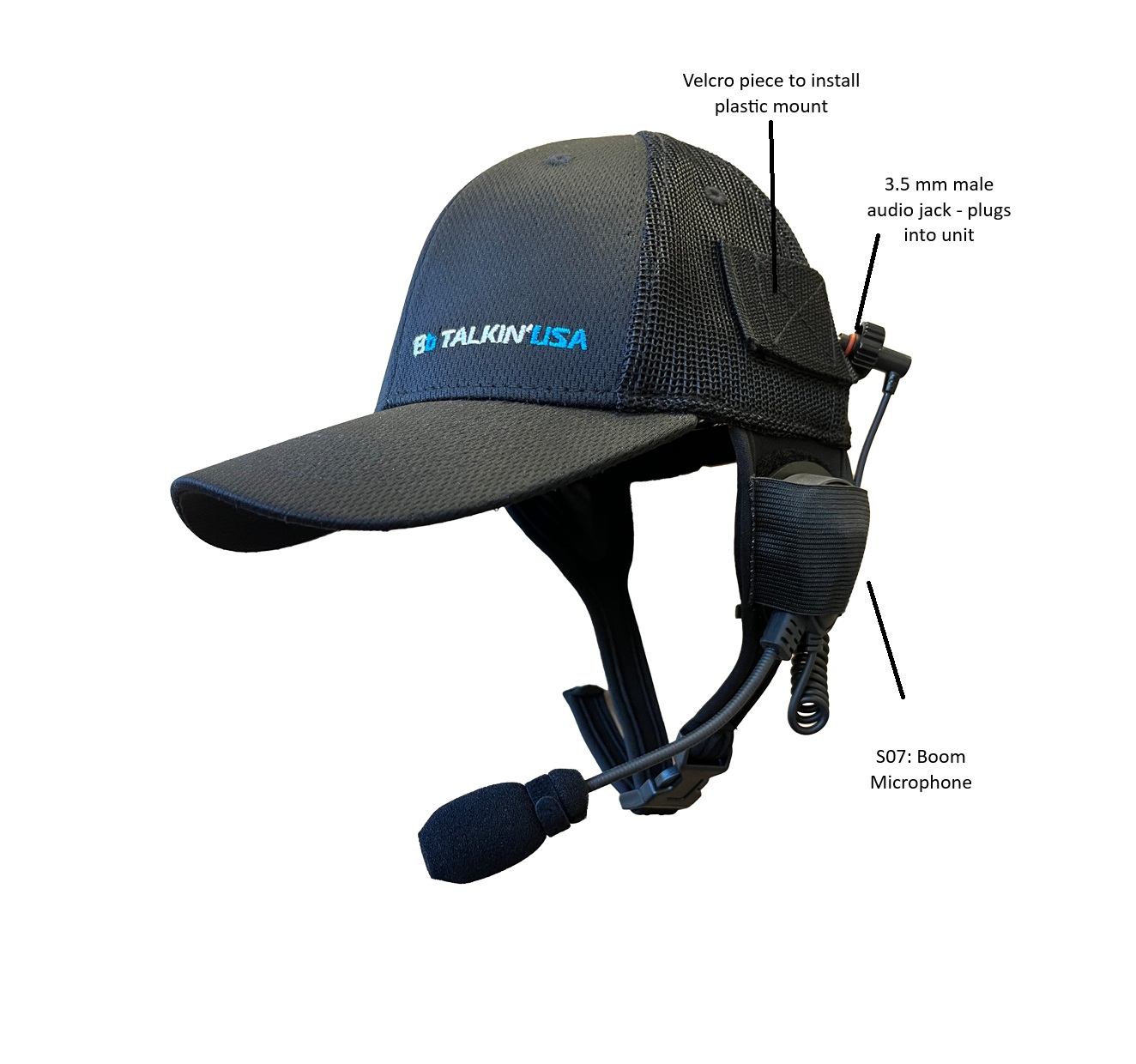
Each Hat and Cap follow the same unit Installation Steps:
Click here for downloadable instructions
- Install the Plastic Mount
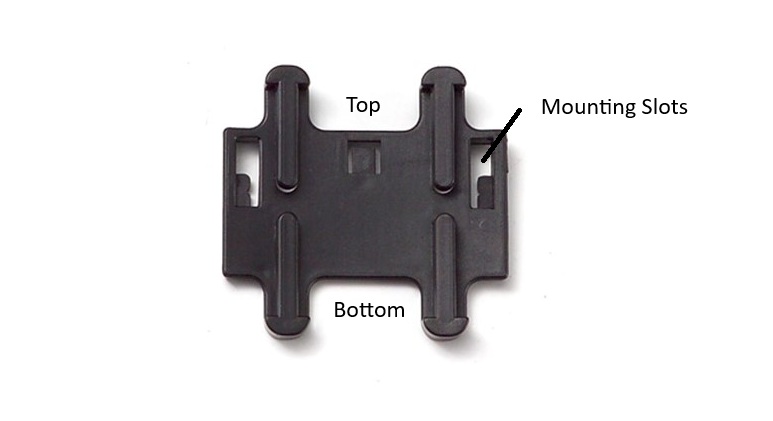
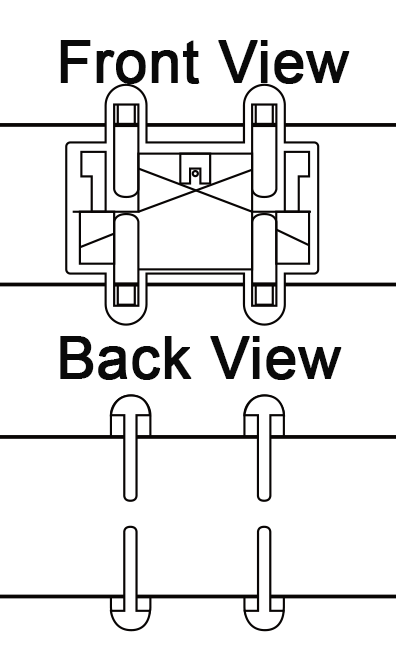
One plastic mount is included with each device. Separate the Velcro pieces and install the bottom forks first, followed by the top forks. Make sure the mounting slots are facing upward.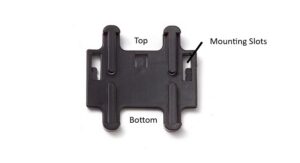
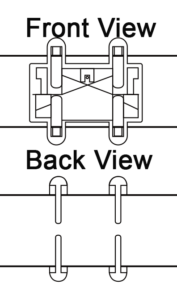
- Secure the Waterproof Case
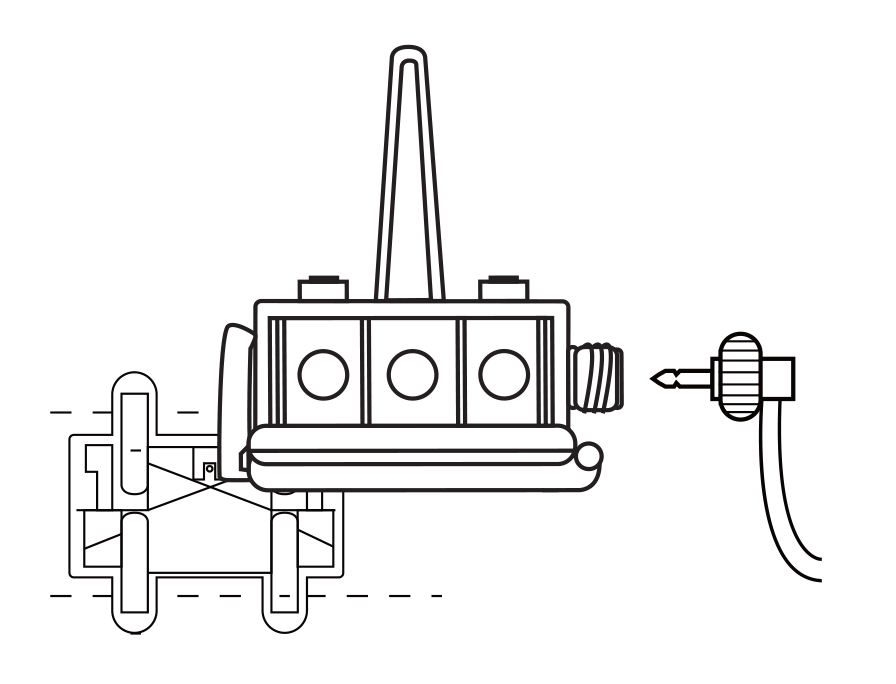
Insert the two tabs on the waterproof case into the mounting slots on the plastic mount. Snap one side down, then the other, until the case is securely locked into place. Make sure both sides are fully engaged. - Connect the Boom Microphone
Plug the boom microphone’s 3.5 mm audio cable securely into the device. The connection must be tight and fully seated. An improperly connected cable can allow water to enter the case. Water damage to the device is not covered under warranty.
4. Check Before Each Use
Before and after each use, make sure the waterproof case is properly secured and completely sealed.
B01R: Sports Headset
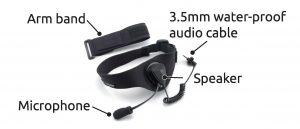
Click here for downloadable version of B01R Manual
This Sports Headset has an arm band where your unit is mounted. When mounting the unit on your arm, the range will be 30-40% lower. For optimal range, we recommend mounting the unit on your head. Since our units connect via Bluetooth, connection is maintained by line of sight, the higher your unit is mounted, the better range you will achieve.

If using in salt water, you must fresh water rinse. Failure to do so can cause corrosion and product failure.
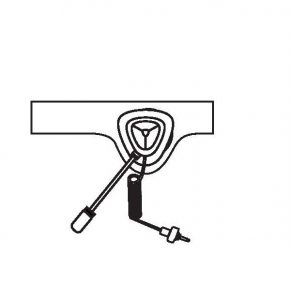
- Secure the boom microphone onto the Sports Headset head band.
- Install the plastic clip mount onto the arm band. See the video if you need additional assistance with this step.
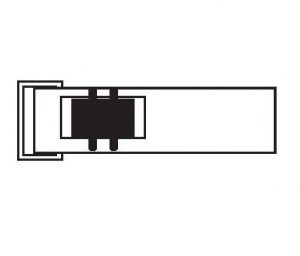
- Mount the waterproof case into the plastic mount. Make sure both sides of the casing is securely into the mount.
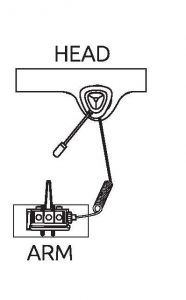
- Plug in the boom microphone’s 3.5mm audio cable. Make sure the cable is tight and secure. Failure to do so will cause water intrusion into the casing. Any water damage to the unit within the casing is not covered under warranty.
- Make sure after each use that your case is secure and sealed.